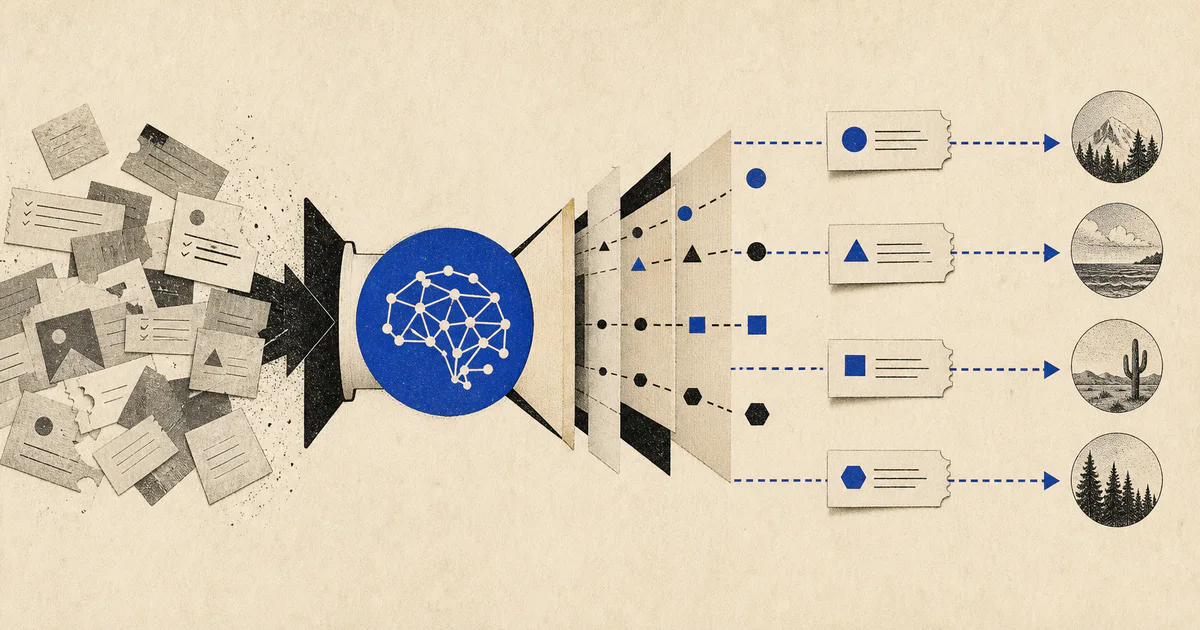
Support teams usually do not break because agents cannot write replies.
They break because too many requests land in the wrong queue first.
A billing complaint gets treated like a product question. A bug report waits behind low-priority how-to tickets. A renewal-risk customer sends a frustrated message and nobody realizes the account owner should be involved. By the time the ticket reaches the right team, the customer has already experienced the delay.
That is the operational problem AI support ticket routing automation is well suited to solve.
If your team is broader than support alone, this sits between AI support triage systems, AI customer success automation, and the larger AI workflow system pattern we use to design production automations.
What AI support ticket routing automation actually means
AI support ticket routing automation is the use of AI inside the intake layer of support operations to decide:
- what the ticket is about
- how urgent it is
- which queue or person should own it
- what context the assignee needs immediately
- whether the ticket should stay in support or move to success, billing, product, or engineering
This is narrower than a full "AI support" platform claim.
That is a strength, not a weakness.
Routing is one of the clearest points of operational leverage because every downstream step gets worse when the first assignment is wrong.
The goal is not to auto-answer every customer.
The goal is to reduce manual sorting, shorten time to the first meaningful action, and make sure high-value or high-risk requests are seen by the right team fast.
Why routing matters more than most teams think
Many support leaders track first-response time, resolution time, backlog, and CSAT.
They should.
But those metrics often hide an upstream failure: the ticket spent too long in the wrong place before anyone qualified enough saw it.
That creates predictable damage:
- SLA breaches caused by avoidable handoffs
- lower agent productivity because specialists keep re-triaging work
- slower engineering escalation for real bugs
- missed churn signals when support issues should involve success
- poor customer experience even when the final answer is technically correct
This is why support ticket routing AI is useful. It reduces queue confusion before it compounds into missed service levels and account risk.
The best routing problems to automate first
Do not start by modeling every possible queue rule in the company.
Start where ticket ambiguity is common, the wrong owner is expensive, and the next step is easy to validate.
1. Billing vs product vs account-access separation
This is one of the most common routing failures.
Customers rarely write requests in clean internal categories. One message can include:
- an invoicing complaint
- an access problem
- a suspected bug
- frustration that suggests account risk
An AI routing layer can classify the dominant issue, detect secondary issues, and assign the right queue or split the work when needed.
That matters because a support rep handling password resets should not be the first person debugging contract disputes or evaluating churn signals.
2. VIP and revenue-risk escalation
Not every ticket has the same business weight.
A production outage affecting a high-value account should not wait in the same path as a low-risk configuration question.
An effective routing workflow can combine message content with account context such as:
- plan tier
- contract value
- renewal timing
- open opportunities
- prior escalations
- support history
This is where routing becomes more than classification. It becomes operating judgment supported by structured signals.
3. Product bug escalation
Most companies waste time because bug-like tickets are manually inspected multiple times before engineering sees a credible summary.
AI can help by:
- identifying likely bug reports
- grouping duplicate symptoms
- extracting reproduction clues
- attaching environment or account metadata
- routing to the right engineering or product escalation lane
That reduces the time between "customer reported a problem" and "the internal owner has enough context to act."
4. Success and onboarding handoff detection
Many support messages are not support-only problems.
They reveal:
- an onboarding gap
- a feature adoption issue
- a stakeholder change
- executive frustration
- expansion or churn risk
Those should often involve customer success, onboarding, or an account owner.
This is where AI customer onboarding systems and AI renewal automation start connecting directly to support operations.
What a production routing workflow looks like
For most teams, the first version should be simple and inspectable:
- A ticket arrives from Zendesk, Intercom, email, Slack, or a support form.
- The system classifies issue type, urgency, and probable owner.
- It enriches the request with account and product context.
- It assigns a route with confidence and explanation.
- Low-confidence or high-risk cases are held for human review.
- The chosen route updates the help desk and notifies the next owner.
- Outcomes are logged so the team can measure routing quality.
That structure matters.
Many teams try to jump from raw ticket text straight to fully autonomous action. That usually creates trust problems quickly.
A better approach is a bounded routing system with explicit uncertainty states and a human checkpoint where needed.
The data sources that make routing materially better
Ticket text alone is rarely enough.
Useful routing systems usually pull from:
- help desk fields and tags
- CRM account data
- plan and billing information
- product usage or incident status
- previous tickets
- customer sentiment or escalation history
- onboarding or renewal status
This is why strong routing systems are integration problems as much as model problems.
If the model classifies well but has no access to account context, it will miss the difference between a low-value annoyance and a high-value account escalation.
What to measure before and after launch
If you cannot measure routing quality, you cannot improve it.
At minimum, track:
- percent of tickets reassigned after initial routing
- time to first meaningful owner assignment
- time to engineering escalation for bug reports
- SLA performance by ticket category
- false-priority and false-escalation rates
- agent acceptance of AI-proposed routes
These metrics tell you whether the workflow is reducing manual knowledge work or just moving it around.
Common mistakes in AI ticket classification automation
The failures are usually operational, not algorithmic.
Treating routing like a prompt-only problem
Teams often test routing by pasting tickets into a model and asking for a category.
That is fine for a demo.
It is not enough for production.
Real routing depends on:
- queue design
- ownership rules
- escalation policy
- account context
- auditability
- feedback loops
Without those, the model may look smart while the workflow remains unreliable.
Using too many categories too early
If you start with 40 near-overlapping queues, routing quality will be hard to trust and even harder to monitor.
Begin with a smaller set of categories tied to clear owners and real business actions.
Then expand once outcomes are stable.
Hiding uncertainty
Some tickets are ambiguous on purpose.
The correct system behavior is sometimes:
- likely billing, but needs review
- possible outage cluster, escalate now
- likely onboarding issue, route to CSM
- mixed intent, split ticket or assign primary plus secondary owner
Overconfident routing is worse than visible uncertainty because it creates silent failures.
Ignoring feedback from agents
Your support team will tell you quickly where the routing logic is weak.
If agents constantly reassign one category of tickets, that is valuable training signal. The workflow should capture those corrections so the system improves instead of repeating the same mistakes.
A practical example
Imagine a B2B SaaS company handling 1,500 tickets per month across support, billing, onboarding, and technical escalation.
Before automation:
- generalist reps read every new ticket
- bug reports are manually forwarded to engineering
- enterprise-account urgency depends on rep memory
- many onboarding issues stay in support too long
- queue reassignment creates avoidable response delay
After introducing AI support ticket routing automation, the system:
- classifies each request into a small set of operational categories
- flags likely bugs and attaches reproduction clues
- checks whether the account is near renewal or expansion
- routes onboarding-related issues to the success queue
- alerts a human when the confidence is low or the account is high risk
The result is not magic. It is better queue hygiene at scale.
That usually means:
- faster first action
- fewer avoidable handoffs
- less manual triage load
- better escalation consistency
- clearer accountability across teams
When this workflow is worth building
AI support ticket routing automation is usually worth building when:
- ticket volume is rising
- queue ownership is fuzzy
- agents spend too much time reassigning work
- support and success handoffs are inconsistent
- engineering bug escalation is slow
- high-value customers are not getting differentiated handling
If your team still has very low ticket volume, this may be premature.
If the volume exists and routing errors are already visible, this is often one of the fastest workflow wins available.
That is especially true for operators trying to increase throughput without hiring linearly with ticket growth.
FAQ
What is AI support ticket routing automation?
It is an AI workflow that classifies incoming support requests, enriches them with business context, and sends them to the right queue or owner faster than manual triage alone.
How is AI ticket routing different from an AI chatbot?
A chatbot focuses on replying to the customer. Ticket routing focuses on deciding ownership, urgency, and escalation before or alongside the reply.
What is the best first use case for support ticket routing AI?
Start with a narrow routing problem where the cost of misassignment is obvious, such as billing versus product issues, bug escalation, or support-to-success handoffs.
Do you need a lot of training data to build this?
Not always. Many teams can start with historical ticket labels, queue outcomes, account metadata, and human-review checkpoints, then improve the system through live feedback and reassignment data.
Support routing is an operations problem first
The strongest AI support systems do not begin with "can the model write a good answer?"
They begin with "how do we move each inbound request to the right owner with the right context before customer trust drops?"
That is a routing problem.
When designed well, it becomes a practical AI workflow system with measurable operating value.
If your team is evaluating where automation will create the fastest support-side leverage, routing is often a better starting point than full autonomous response generation.
And if you want help turning a messy inbound support queue into a production workflow, our AI solutions team builds AI systems that classify, route, and operationalize support work inside the tools teams already use.