Most AI agents fail for a boring reason: they are answering from stale context.
The model may be strong. The prompts may be clean. The UI may look polished. But if the agent cannot look up current pricing, docs, regulations, news, competitors, product changes, or company information, it eventually starts guessing.
That is where AI search APIs matter.
I read Composio's breakdown of the top AI search engine tools for agents, and the useful takeaway is not "here are nine tools." The useful takeaway is that AI search is no longer one category. Exa, Tavily, Firecrawl, Brave Search API, SerpAPI, Perplexity Sonar, You.com, Parallel, and Google Vertex AI Search are solving different problems.
If you pick the wrong one, you either overpay for research depth you do not need or you build a brittle agent on search results that were never designed for LLM workflows.
Here is the framework I would use for a startup building an AI agent today.
Table of Contents
- Why AI Agents Need Search
- The Five Types of AI Search Tools
- The Practical Comparison
- When I Would Use Each Tool
- The Architecture Pattern That Actually Works
- Cost Traps to Watch
- My Recommendation for MVPs
- Ready to Build?
Why AI Agents Need Search
LLMs are not databases. They are reasoning engines trained on historical data.
That distinction matters.
If your product needs to answer questions about a customer record, internal document, or private workflow, you need retrieval from your own system. If your product needs to answer questions about the live web, you need search. If it needs both, you need a retrieval layer that knows when to use private context and when to use public sources.
The search layer has to do more than return ten blue links. A useful agent search API should provide:
- fresh results
- source URLs
- snippets or extracted page content
- timestamps or freshness signals where possible
- structured output the application can parse
- domain filters or source controls
- predictable cost at scale
That is the bar. Anything less pushes complexity into your own code.
The Five Types of AI Search Tools
The market looks confusing until you separate tools by job.
1. Agent-native search APIs
These are built for LLM workflows. They return cleaner, more structured results than traditional search APIs and usually support source controls, summaries, or extracted content.
Examples: Exa, Tavily, Parallel, You.com.
Use these when your agent needs current public web context and the result will be passed into an LLM.
2. Crawling and extraction APIs
These are not just search tools. They fetch pages, crawl sites, clean content, and return structured text for ingestion.
Example: Firecrawl.
Use these when your agent needs to read full pages, ingest docs, monitor product pages, or build a RAG corpus from websites.
3. Traditional SERP APIs
These expose what search engines show: organic results, ads, maps, shopping, local results, jobs, news, and other verticals.
Example: SerpAPI.
Use these when the product cares about the search results page itself, not just the content behind it. SEO tools, rank tracking, local search products, and market intelligence dashboards often need this.
4. Answer APIs
These combine search with answer generation. You send a question and get a source-backed answer instead of raw results.
Example: Perplexity Sonar API.
Use these when you want a finished research answer quickly and do not need full control over ranking, retrieval, or synthesis.
5. Enterprise/internal search
These are built for private company data, access control, and internal knowledge search.
Example: Google Vertex AI Search.
Use these when the main problem is searching your own documents, support content, wikis, databases, or internal knowledge bases.
The Practical Comparison
| Tool | Best For | Output Style | Where It Fits |
|---|---|---|---|
| Exa | Semantic web retrieval, RAG, agents | Structured results, highlights, extracted content | AI-native search layer |
| Tavily | Agent search with filtering and LLM-ready snippets | Ranked snippets, extracted content, optional answers | General agent search |
| Firecrawl | Crawling and extraction | Clean page/site content | Website ingestion and RAG corpus building |
| Parallel | Research, monitoring, enrichment | Evidence-backed excerpts and structured research | Higher-value research workflows |
| Brave Search API | Independent web index and privacy-conscious search | Structured search results | Custom retrieval pipelines |
| SerpAPI | Google/search-engine result data | Structured SERP JSON | SEO, local, maps, shopping, rank tracking |
| Perplexity Sonar | Web-grounded answers | Generated answers with citations | Research Q&A products |
| You.com API | Search plus content retrieval | LLM-ready snippets and content | Real-time web context |
| Google Vertex AI Search | Private enterprise search | Search and Gemini-powered summaries | Internal knowledge/RAG |
The mistake is treating these as interchangeable. They are not.
Exa and Tavily are close substitutes for many agent search use cases. Firecrawl is a different layer. SerpAPI is not trying to be an AI-native answer engine. Vertex AI Search is not a general public web search API. Perplexity is useful when you want the answer, but less useful when you want total control over the retrieval pipeline.
When I Would Use Each Tool
Use Exa when semantic relevance matters
Exa is a strong fit when the query is not just keywords. If your agent asks messy natural-language questions like "find companies hiring for AI operations roles that recently raised funding," semantic search matters.
I would consider Exa for:
- research agents
- market maps
- founder prospecting tools
- RAG systems that need high-quality public web sources
- workflows where highlights and extracted content reduce prompt bloat
The tradeoff is cost control. Deep search and multi-query workflows can add up quickly.
Use Tavily when you want a practical default for agents
Tavily is one of the easiest defaults for agentic search. It is designed around LLM-ready search results, filtering, extraction, and source controls.
I would consider Tavily for:
- AI assistants that need live web lookup
- customer-support agents that occasionally need public docs
- sales research agents
- competitive research workflows
- MVPs where you need useful search fast
The main work is tuning search depth and filters so you do not waste credits.
Use Firecrawl when search is not enough
Firecrawl becomes useful when you already know the site or domain you need and you want clean content from it.
I would use it for:
- ingesting documentation sites into a RAG system
- crawling competitor pricing pages
- extracting structured data from public websites
- monitoring pages over time
- turning messy HTML into model-ready markdown or structured content
Do not use Firecrawl just because you need a quick web search. Use it when extraction quality matters.
Use Brave Search API when you want index control and privacy posture
Brave gives you structured results from an independent web index. It is closer to a programmable search layer than a fully opinionated agent tool.
I would use it when:
- you want to own ranking and summarization logic
- you care about privacy positioning
- you want raw search results without relying on Google SERP scraping
- you are building your own retrieval pipeline
The tradeoff is that you will likely do more post-processing yourself.
Use SerpAPI when the SERP is the product
SerpAPI is not the first tool I would reach for if I were building a general AI agent. But for SEO, local search, maps, shopping, ads, jobs, or rank tracking, it is exactly the kind of structured data you need.
I would use SerpAPI for:
- SEO dashboards
- rank tracking
- local business intelligence
- Google Maps research
- shopping and price comparison tools
- search result monitoring
If your agent only needs "what is the answer to this question?", SerpAPI is usually the wrong abstraction.
Use Perplexity Sonar when you want answers, not plumbing
Perplexity Sonar is useful when you want a web-grounded answer with citations and you do not want to build your own retrieval plus synthesis layer.
I would use it for:
- research Q&A features
- analyst copilots
- internal tools where speed matters more than retrieval control
- user-facing answers that need citations
The tradeoff is control. If ranking, source selection, and exact retrieval behavior are core to your product, you may want a lower-level search API instead.
Use You.com when you need simple search plus content retrieval
You.com is useful when you want search results, page content, news-aware context, and research-oriented APIs without building the crawler and cleaning layer yourself.
I would consider it for:
- real-time web context in AI apps
- news-aware assistants
- research workflows
- agents that need both snippets and page content
It is less attractive if your use case depends on custom crawling rules or private enterprise data.
Use Google Vertex AI Search for internal company knowledge
Vertex AI Search is a different category. It makes sense when the agent needs to search across your own documents, websites, support content, structured data, or internal knowledge sources with enterprise controls.
I would use it when:
- the company already runs on Google Cloud
- access control matters
- the corpus is mostly private data
- the use case is internal knowledge, support, or enterprise search
I would not choose it for a lightweight public-web search layer in an MVP.
The Architecture Pattern That Actually Works
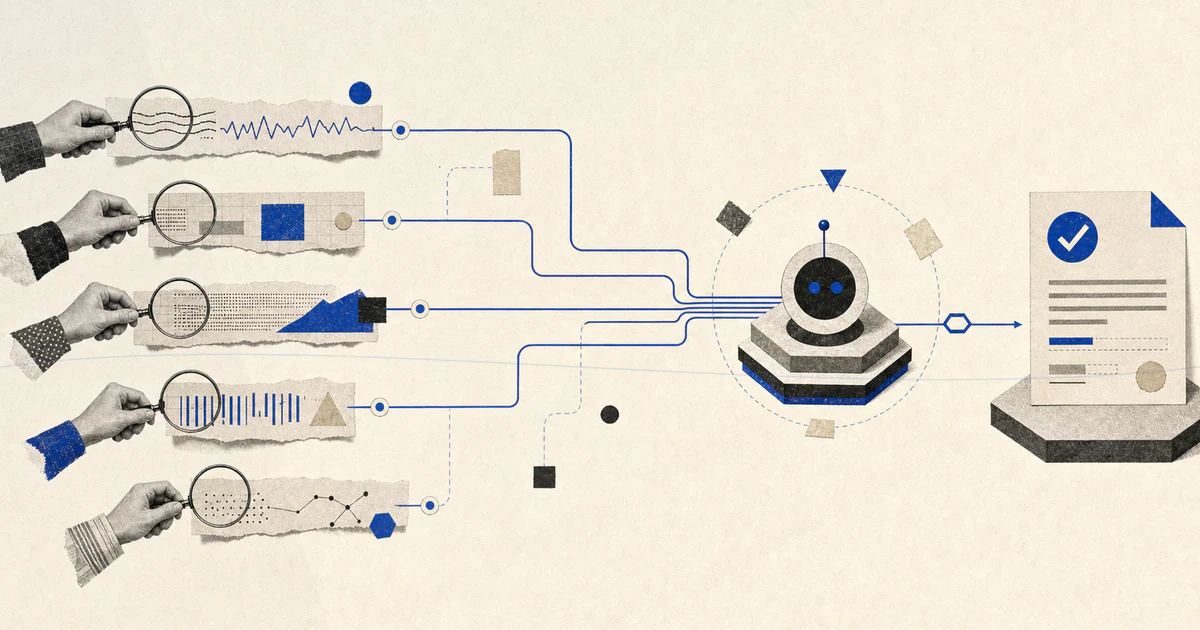
For most AI products, the right architecture is not "pick one search API and put it everywhere."
It is a router.
Your app should decide which retrieval path fits the question:
| Question Type | Retrieval Path |
|---|---|
| "What does this customer account say?" | Internal database |
| "What is in our docs?" | Internal RAG / docs index |
| "What changed on this public website?" | Firecrawl or extraction API |
| "What are the latest public sources on this topic?" | Exa, Tavily, Brave, You.com, or Parallel |
| "What does Google show for this keyword?" | SerpAPI |
| "Give me a quick cited answer" | Perplexity Sonar |
That router can be simple at MVP stage. A few rules are enough:
- use internal retrieval first when the question references your product, customer, or private data
- use public web search when the question depends on current external information
- use crawling when the task needs full-page content, not snippets
- use answer APIs only when you are comfortable outsourcing synthesis
- always store source URLs with the generated answer
This gives you flexibility without over-engineering.
Cost Traps to Watch
Search gets expensive in agent loops because agents do not make one search call. They make several.
A simple user question can turn into:
- query rewriting
- initial search
- follow-up search
- page extraction
- source verification
- final synthesis
That is before model tokens.
The cost traps:
- deep search modes used by default
- no cap on number of results
- agents searching again instead of reusing context
- extracting full pages when snippets were enough
- using generated answer APIs where raw search would be cheaper
- not caching search results for repeated queries
- no logging by user, workflow, or feature
Before launch, track cost per completed task, not cost per API call. A cheap search API can still produce an expensive workflow if the agent calls it five times per answer.
My Recommendation for MVPs
For most startup MVPs, I would keep the first version simple:
- Use Tavily or Exa as the default agent search layer.
- Add Firecrawl only when you need full-page extraction or website ingestion.
- Use SerpAPI only if the product needs actual search engine result pages.
- Use Perplexity Sonar if you want fast cited answers and do not need full retrieval control.
- Use Vertex AI Search only when internal enterprise search is the real problem.
Do not spend three weeks benchmarking every search API before you have users. Pick the tool that matches the workflow, wrap it behind your own search() interface, log every call, and keep the option to switch.
The wrapper matters more than the first vendor choice.
At MVP stage, your goal is not to choose the perfect search engine. Your goal is to avoid building an agent that confidently answers from stale or unverifiable information.
Ready to Build?
At V12 Labs, we build AI products with the retrieval layer designed from day one: private data, public web search, citations, extraction, source routing, and cost controls.
$6K flat fee. 15-day delivery. Full source code ownership.
Book a discovery call at v12labs.io and let's figure out the right search and RAG architecture for your product.
Source: Composio's comparison of AI search engine API tools for agents.