Forecast calls rarely fail because leadership lacks opinions.
They fail because the operating data behind the forecast is late, incomplete, and spread across too many systems.
A deal looks healthy in the CRM. The transcript says the buyer has concerns. Legal has been quiet for nine days. The champion has stopped replying. The close date moved twice. None of that shows up cleanly until the team is already in the meeting defending a number they do not fully trust.
That is why AI sales forecasting automation is becoming a practical workflow for B2B teams.
Not because AI can magically predict revenue from thin air.
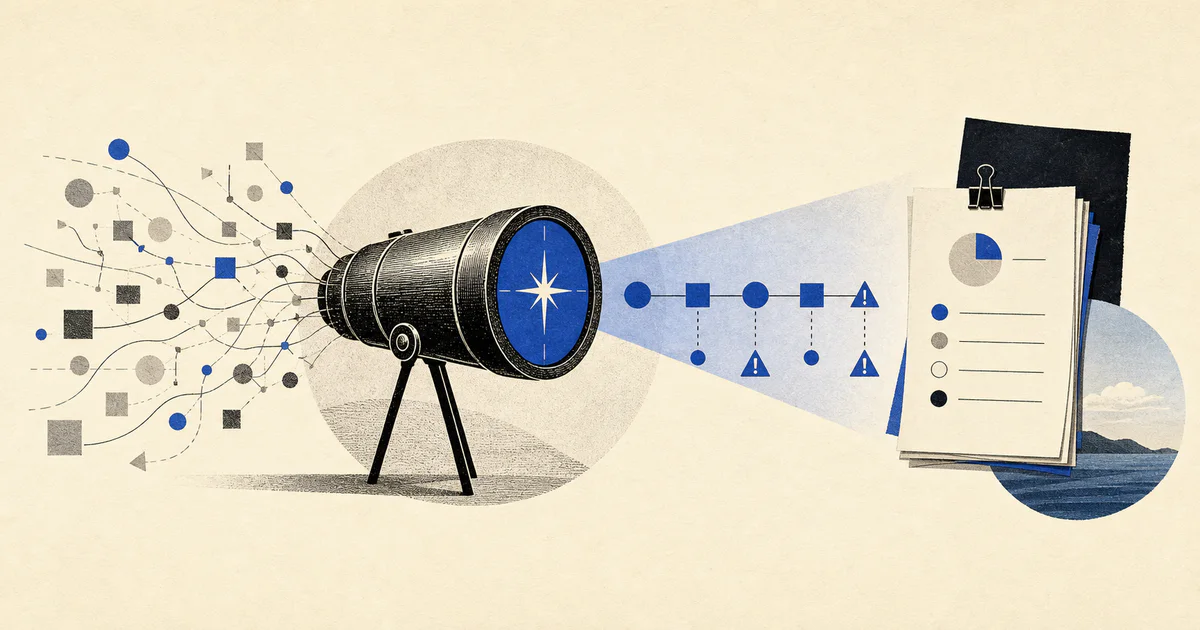
Because it can help revenue teams gather evidence, detect slippage earlier, explain what changed, and prepare a more reliable forecast before the review call starts.
If your team already feels the pain of stale CRM data and manual pipeline reviews, this sits directly beside AI CRM automation, AI revenue operations automation, and AI sales automation.
What AI sales forecasting automation actually means
AI sales forecasting automation is the use of AI inside the forecasting workflow to help teams:
- collect forecast-relevant context from multiple systems
- identify deal risk and slippage patterns earlier
- summarize what changed since the last review
- highlight missing evidence behind stage or close-date assumptions
- prepare managers and leaders for forecast calls
- route follow-up work before a quarter goes off track
That is different from a generic "AI forecast" product claim.
A useful system does not stop at generating a probability score.
It turns messy pipeline activity into operational next steps that sales leaders, RevOps teams, and managers can inspect.
In practice, the workflow usually combines:
- CRM opportunity data
- call transcripts and meeting notes
- email and calendar activity
- buyer engagement signals
- legal, security, or procurement blockers
- next-step completion data
- product or onboarding context for expansion deals
- manager notes from pipeline reviews
The goal is not to replace forecast judgment.
The goal is to reduce the amount of manual archaeology required before humans can make good judgment calls.
Why forecasting breaks as teams grow
Forecasting usually starts simple.
When a company is small, the founder or head of sales can hold most deal context in their head. They know which buyers are serious, which reps are optimistic, and which dates are probably fiction.
That stops working when:
- more reps own more opportunities
- deal cycles get longer
- more stakeholders enter each sale
- more systems hold pieces of account context
- leadership needs repeatable forecast accuracy, not heroic intuition
Then the same problems show up every week:
- close dates drift without explanation
- stage progression is inconsistent across reps
- next steps are missing or vague
- managers find risks only during the meeting
- forecast changes are visible, but the reasons are not
- pipeline reviews turn into debates instead of decisions
This is where sales forecasting AI becomes useful, if it is implemented as a workflow instead of a dashboard gimmick.
The best forecasting tasks to automate first
Most teams should not try to automate the full forecast on day one.
Start with repeated tasks where the inputs are messy, the review burden is high, and the next action is still human-readable.
1. Deal slippage detection
This is usually the highest-leverage starting point.
Most missed forecasts are not caused by one giant surprise. They come from small signals that compound:
- no follow-up after a strong meeting
- repeated close-date movement
- unclear mutual action plan
- legal or security review stalled
- champion engagement dropping
- activity volume that looks busy without real buying progress
An AI workflow can monitor these patterns and produce a structured alert:
- what changed
- why the deal looks at risk
- which evidence supports the flag
- what the likely impact is on the forecast window
- which owner should act next
That is more useful than another red-yellow-green column in the CRM.
2. Forecast review prep
A large part of forecasting work is not prediction.
It is preparation.
Before the call, managers need to know:
- which deals moved meaningfully
- which deals are missing decision evidence
- which opportunities depend on one brittle assumption
- where rep confidence and buyer behavior are out of sync
- what changed since the last review
AI can prepare a concise forecast brief from CRM state, recent calls, tasks, and communication history.
That lets the meeting spend less time reconstructing context and more time deciding how to intervene.
3. Stage and close-date evidence checks
Many forecast problems start upstream.
The issue is not the math. It is weak pipeline hygiene.
For example, an opportunity may remain in a late stage even though:
- no buyer-side next step is scheduled
- budget was never confirmed
- procurement has not started
- the technical evaluator disappeared
- the last meaningful meeting happened weeks ago
An AI workflow can compare stated stage or close date against the evidence available in notes, tasks, and transcripts.
It can then flag:
- stage advancement without enough proof
- close dates that look overly optimistic
- missing fields that make the forecast less trustworthy
- deals that need manager review before they roll up
If the underlying CRM is already unreliable, this should be paired with AI CRM automation.
4. Forecast change explanations
One of the most time-consuming parts of forecast management is explaining movement.
Leaders ask reasonable questions:
- Why did commit drop this week?
- Which deals moved out?
- Was the change driven by risk, missing follow-up, or rep judgment?
- Which deals improved, and why?
AI can help by generating a change log that is grounded in actual workflow events:
- opportunity stage shifts
- buyer engagement changes
- next-step completion or non-completion
- new blockers from calls or emails
- stakeholder changes
This is especially valuable when the business needs a weekly narrative, not just a numerical rollup.
5. Manager follow-up routing
A forecast is only useful if it changes behavior.
Once risk is identified, the workflow should help route the next action:
- rep needs to re-establish a buyer-side next step
- manager needs to inspect a shaky commit deal
- solutions or security team needs to unblock evaluation
- executive sponsor needs to enter a late-stage opportunity
- success team needs to support an expansion motion
This is where forecast automation stops being reporting and becomes an operating system.
What a production forecasting workflow looks like
For most B2B teams, a strong first version looks like this:
- Trigger on open opportunities inside a target forecast window.
- Pull current CRM fields, recent transcripts, tasks, email activity, and stage history.
- Extract evidence about deal momentum, blockers, stakeholders, and next steps.
- Classify risk and confidence in structured form.
- Generate a review brief for managers or RevOps.
- Route follow-up tasks or escalation where needed.
- Track whether flagged risk was resolved, ignored, or proved correct.
That is the same pattern we recommend for any serious AI workflow system:
- clear triggers
- bounded model tasks
- grounded inputs
- human review where stakes are high
- monitoring after launch
A practical example
Imagine a B2B SaaS company with 12 account executives, a RevOps lead, and a weekly forecast call every Monday.
The company does not have a data shortage.
It has a context synthesis problem.
Before each forecast meeting, managers spend hours checking:
- whether late-stage deals have buyer-confirmed next steps
- which close dates moved since last week
- whether recent calls introduced new blockers
- which reps have weak notes in the CRM
- whether legal or procurement is slowing key deals
An AI forecasting workflow can run every Friday and produce a structured brief for each in-quarter deal:
- forecast category recommendation
- risk level
- top reasons for confidence or concern
- missing evidence
- recent momentum changes
- suggested manager action
For a deal slipping from commit to best case, the output might say:
- champion engaged, but procurement has not started
- last two meetings ended without a dated buyer-side next step
- close date moved twice in 14 days
- security review mentioned in transcript but no owner assigned
- rep confidence remains high despite weakening evidence
That is much more actionable than "deal score 61."
Where most AI forecasting projects go wrong
The failure modes are predictable.
They confuse scoring with workflow
A probability score is not a workflow.
If the system says a deal is risky but nobody can see why, who should act, or what changed, the team will ignore it.
They trust CRM fields too much
The CRM is necessary, but it is rarely sufficient.
Forecast quality depends on the context around the record:
- what buyers said in calls
- whether promised actions happened
- whether stakeholder engagement widened or narrowed
- whether blockers were resolved
If the workflow only reads CRM fields, it will amplify stale data instead of correcting it.
They automate the final number too early
Many teams ask AI to replace the manager forecast category from day one.
That is usually the wrong first move.
A safer rollout is:
- explain risk first
- highlight evidence gaps second
- suggest category movement third
- automate only after the workflow earns trust
They skip feedback loops
If the system flags risk, you need to know what happened next.
Did the deal actually slip? Did the manager override the recommendation? Was the signal wrong because the workflow missed some internal context?
Without that feedback loop, the automation never improves.
What to measure
If you implement AI forecast automation, track outcomes that matter operationally:
- forecast accuracy by category
- percentage of late-stage deals with evidence-backed next steps
- close-date movement frequency
- time spent preparing for forecast calls
- percentage of flagged deals that required intervention
- manager adoption of forecast briefs
- false-positive and false-negative risk alerts
The point is not to make the dashboard prettier.
The point is to make forecast decisions earlier, faster, and with better evidence.
When this is worth building
This is usually worth prioritizing when:
- forecast calls take too much manual prep
- managers do not trust pipeline stage hygiene
- the business repeatedly misses deals that looked healthy two weeks earlier
- RevOps spends more time assembling context than improving process
- leadership needs more reliable weekly forecast narratives
It is usually not the first AI workflow to build if your team still lacks basic CRM discipline or very low pipeline volume.
In that case, start with AI lead qualification systems or AI CRM automation, then layer forecasting once the pipeline data is more usable.
FAQ
Can AI replace sales forecasting managers?
No. The practical role of AI is to improve evidence gathering, risk detection, and meeting preparation. Final forecast judgment should still sit with human managers and revenue leaders.
What data does AI sales forecasting automation need?
At minimum, most teams need CRM opportunity data, stage history, next-step fields, call transcripts or notes, and activity signals. More advanced workflows may also use legal, security, procurement, or success-side context.
Is AI sales forecasting automation the same as predictive scoring?
No. Predictive scoring is usually one output. Forecast automation is broader. It includes context gathering, evidence checks, change explanations, and routing follow-up work before or after forecast reviews.
What is the best first use case?
For most B2B teams, the best first use case is deal slippage detection combined with forecast review prep. It creates immediate value without forcing the company to fully automate forecast categories on day one.
If your team is spending too much time defending the forecast instead of improving it, the problem is usually not a lack of dashboards.
It is a lack of workflow discipline around how forecast evidence gets collected, checked, and acted on.
That is a good place for AI to help.
If you want to build this kind of workflow into your revenue system, V12 Labs AI solutions can help design and ship it in production.