AI agents · AI workflow systems · workflow automation
What Is AI Agent Workflow Examples? A Practical Guide
V12 Labs··3 min read
Short answer
A practical guide to ai agent workflow examples, including workflow fit, architecture, review points, and implementation tradeoffs.
Short answer
AI Agent Workflow Examples is useful when it removes repeated manual coordination from a real business workflow. It is not useful when it is treated as a generic AI feature with no state, no review points, and no way to see what happened.
Most teams do not need a fully autonomous agent on day one. They need a workflow that can collect context, recommend or draft the next action, pause when the risk is high, and leave enough evidence for a person to trust the result.
For founders, operators, and product teams evaluating practical AI agent workflows, the practical question is simple: which part of the workflow is expensive, repeated, and structured enough that an AI system can help without hiding important decisions?
If you would rather have V12 Labs build it, get your free agent plan. We will put the scope, timeline, and price range in writing. You keep the plan, and if we build it, you own the code, data, and IP from day one.
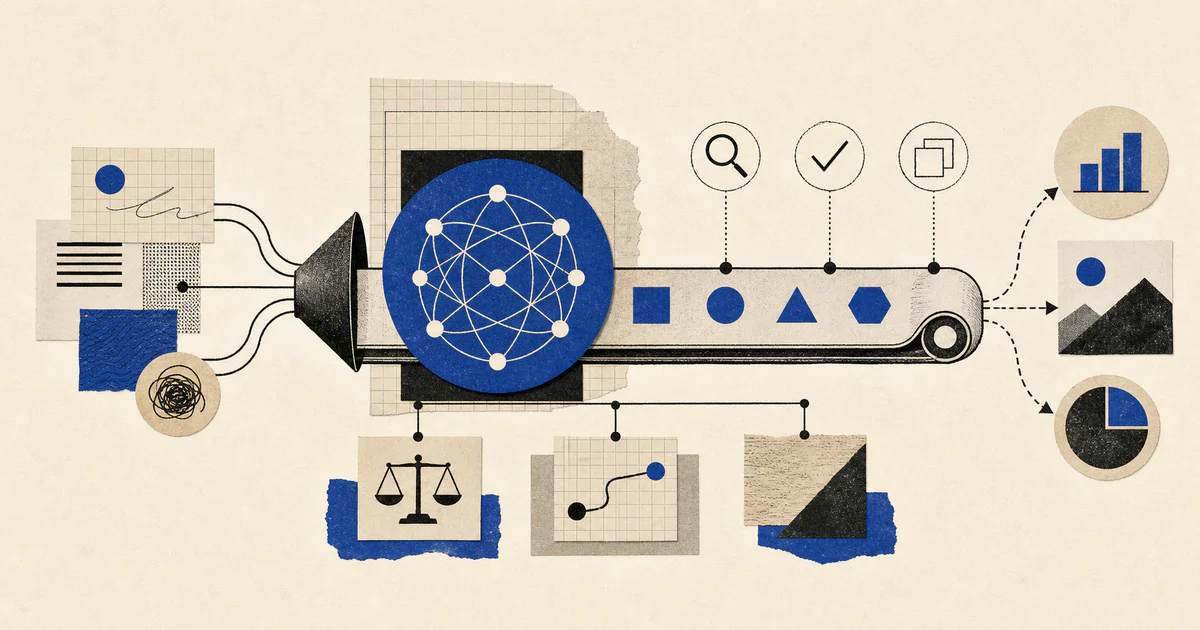
In practice, ai agent workflow examples should describe a system around the model, not just a prompt. The workflow needs inputs, tools, state, permissions, review gates, and a clear output. Without those pieces, the agent may look impressive in a demo but become unreliable in daily work.
A useful workflow usually does one of four jobs:
Gathers information from scattered systems.
Turns messy context into a draft or recommendation.
Routes the work to the right human or system.
Executes a controlled action after the right checks pass.
The model is only one part of that system.
What to automate first
Start with a workflow that already happens often and already has an owner. Good candidates include research, triage, content preparation, CRM cleanup, customer follow-up, QA review, and reporting.
Avoid starting with the riskiest action. Let the system collect context and prepare the work first. Once the team trusts the evidence trail, add more automation around the final action.
Want an agent doing this for you?
We build custom AI agents and the software around them, shipped in weeks. You own the code, and we stay for support.
A production workflow needs more than a chat box. It needs:
a trigger that starts the work
tools with scoped permissions
memory or state for what has already happened
deterministic checks where the path must be reliable
human review for high-risk decisions
logs that explain what the system saw and did
This is the difference between an AI demo and an AI workflow system the team can operate.
Where teams usually get stuck
Teams usually get stuck when they give the agent too much autonomy before the workflow is understood. The agent can produce a plausible answer, but nobody can tell which sources it used, which tool calls succeeded, or why it chose one action over another.
The fix is not to remove AI from the workflow. The fix is to narrow the job, add evidence, and define the moments where a human should approve the result.
Teams should use it when they have a repeated workflow with enough structure to evaluate the output. If every case is completely different, start by mapping the workflow before adding automation.
What should stay human-reviewed?
Anything that affects customers, billing, publishing, legal claims, account settings, or production data should stay reviewed until the team has enough evidence that the workflow is safe.
How do you know it is working?
Measure whether the workflow reduces manual coordination, improves response time, and keeps decisions easier to audit. If the team moves faster but loses visibility, the workflow is not healthy yet.
Bottom line
AI Agent Workflow Examples should make a real workflow easier to operate. Start narrow, keep the evidence visible, add review where the risk is high, and expand automation only after the system proves it can be trusted.