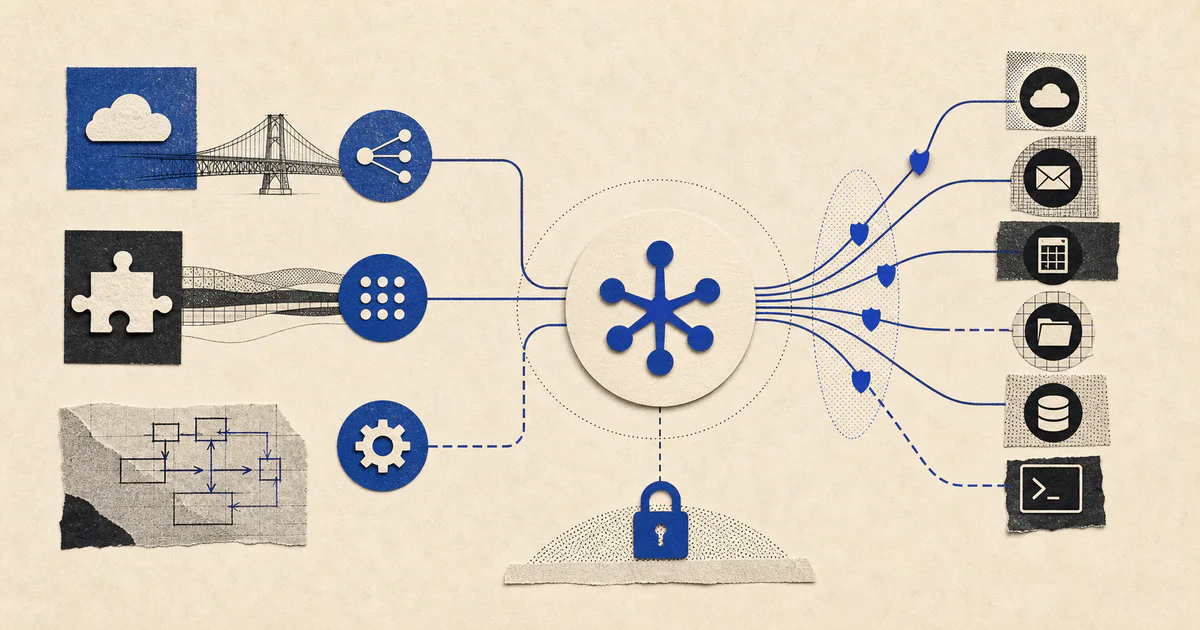
Short answer
AI agent tool authentication is the system that lets an agent safely access third-party tools on behalf of a user or company. It covers OAuth, API keys, scopes, token storage, user consent, revocation, audit logs, and policy controls around what the agent can actually do.
Composio and Arcade both sit in the emerging category of agent tool/auth infrastructure. The right choice depends less on the largest integration catalog and more on five questions:
- Which tools does your workflow need today?
- Does the agent act as the end user, a service account, or both?
- Can you restrict actions with least-privilege permissions?
- Can humans approve risky actions before execution?
- Can your team audit, revoke, retry, and debug every action?
For production business workflows, do not start by giving an agent broad write access across your SaaS stack. Start with read-only or draft-only actions, add human approval for writes, and expand permissions only after you have logs, rollback paths, and clear ownership.
Editorial note before publishing: validate all Composio and Arcade feature claims against their official docs and release notes. This article should not claim a platform supports a specific app, framework, auth method, or security feature unless it is confirmed in official documentation.
What “AI agent tool authentication” means in practice
An AI agent becomes useful when it can do more than generate text. It may need to search a CRM, create a support ticket, send a Slack message, open a pull request, update a project-management task, or draft a customer follow-up.
That creates an authentication problem: who gave the agent permission, what can it access, and how do you stop or audit it later?
In a real production workflow, agent tool authentication includes:
- User identity: which human or tenant the agent is acting for.
- Application identity: which app or agent runtime is making the request.
- Consent: whether the user approved access to the external system.
- Scopes and permissions: what the agent is allowed to read, create, update, or delete.
- Credential storage: where OAuth tokens, refresh tokens, and API keys are stored.
- Revocation: how access is removed when a user disconnects a tool or leaves the company.
- Auditability: what the agent did, when, why, and with which authorization.
- Human approval: which actions require a person before execution.
- Policy enforcement: rules that limit dangerous actions even if the model asks for them.
This is why agent authentication is not just “connect the API.” It is part identity layer, part integration platform, part security boundary, and part workflow design.
Composio vs. Arcade: how to compare them
Composio and Arcade are often evaluated because they aim to make tool access easier for AI agents. A practical comparison should focus on implementation fit, not just brand awareness.
| Evaluation area | What to check in Composio | What to check in Arcade | Why it matters |
|---|---|---|---|
| Tool coverage | Confirm required apps in official Composio docs/catalog | Confirm required apps in official Arcade docs/catalog | A large catalog is less useful if your exact workflow tools are missing |
| Auth model | Verify OAuth, API key, user-level auth, service-account patterns | Verify OAuth, API key, user-level auth, service-account patterns | Determines whether the agent acts for a user, team, or app |
| Framework support | Confirm SDKs and supported agent frameworks | Confirm SDKs and supported agent frameworks | Reduces integration effort with your current stack |
| Permission controls | Check scopes, per-tool permissions, and action restrictions | Check scopes, per-tool permissions, and action restrictions | Prevents over-broad agent access |
| Human approval | Verify native approval flows or patterns | Verify native approval flows or patterns | Needed for high-risk writes and external communications |
| Audit logs | Confirm what gets logged and exported | Confirm what gets logged and exported | Required for debugging, compliance, and customer trust |
| Token handling | Review official security/auth docs | Review official security/auth docs | Credential storage is a core risk area |
| Deployment model | Check hosted vs. self-hosted or enterprise options | Check hosted vs. self-hosted or enterprise options | Affects compliance, latency, and control |
| Developer experience | Review setup time, SDK ergonomics, examples, and docs quality | Review setup time, SDK ergonomics, examples, and docs quality | Impacts how quickly your team can ship safely |
The vendor that is “best” on paper may not be best for your workflow. If your agent only needs three tools and strict internal controls, a smaller but clearer implementation can beat a broader platform. If you need dozens of SaaS integrations quickly, a managed tool/auth layer may save months of engineering effort.
When to use a managed agent-auth platform
A managed tool-auth platform can make sense when:
- You need to connect agents to many third-party SaaS tools.
- Your team wants to avoid maintaining OAuth flows for every integration.
- You need a faster path to prototypes that can later be hardened.
- You want standard tool schemas that can be called by an agent framework.
- Your engineering team would rather build workflow logic than integration plumbing.
A custom integration layer can make more sense when:
- You only need one or two internal systems.
- You have strict compliance or data-residency requirements.
- You need deep domain-specific authorization rules.
- You already have an internal integration platform.
- The action surface is high-risk and needs heavy review before execution.
Many teams end up with a hybrid model: managed integrations for common SaaS tools, custom connectors for core internal systems, and a policy layer that sits above both.
What to automate first
The safest first workflows are useful but low-risk. Good candidates include:
1. Read-only research
Examples:
- Summarize recent CRM activity before a sales call.
- Pull account history from support tickets.
- Search internal docs for onboarding answers.
- Gather context from Linear, GitHub, Slack, or Notion.
These workflows prove the tool connection and retrieval layer without letting the agent mutate important systems.
2. Draft-only actions
Examples:
- Draft a follow-up email but require human approval before sending.
- Draft a support response from knowledge-base context.
- Draft a CRM note from a call transcript.
- Draft project updates based on task status.
Drafting creates leverage while keeping a person in control.
3. Human-approved writes
Examples:
- Create a ticket after a support lead approves it.
- Update CRM fields after an account owner confirms the change.
- Send a Slack message after a manager reviews it.
- Open a pull request after a developer reviews the diff.
This is often the right middle ground for production AI systems: the agent prepares the action, but a human approves the final execution.
4. Narrow autonomous actions
Only after the above works should you consider autonomous writes. Even then, keep the scope narrow.
Examples:
- Add tags to tickets based on confidence thresholds.
- Route leads to the right queue.
- Create internal reminders.
- Update non-critical metadata.
Avoid starting with destructive actions, external customer communications, financial changes, permission changes, or bulk updates.
Reference architecture for reliable agent tool authentication
A production architecture should separate reasoning from authorization and execution.
A practical architecture includes:
-
User request or event trigger
The workflow starts from a user prompt, form submission, webhook, CRM event, support ticket, or scheduled job. -
Identity resolution
The system identifies the tenant, user, role, and connected accounts. -
Policy check before tool selection
The app determines which tools and actions are allowed for that user and workflow. -
Agent planning layer
The model decides what information it needs and proposes actions. -
Tool execution layer
Tool calls are executed through approved connectors, not through arbitrary model-generated code. -
Credential vault or managed auth provider
OAuth tokens and API keys are stored outside the prompt and outside the model context. -
Human approval queue
Risky actions are held for review with a clear explanation, source data, and proposed change. -
Audit log
The system records input, retrieved sources, proposed action, approval status, executed action, timestamp, and actor. -
Observability and retries
Failures, rate limits, partial completions, and duplicate actions are tracked. -
Revocation and cleanup
Users can disconnect tools, rotate credentials, remove access, and delete retained data where required.
This architecture is more important than the model choice. A strong model with weak permissions is unsafe. A weaker model with tight scopes, approvals, and auditability can often be deployed more confidently.
Security checklist for agent tool access
Use this checklist when evaluating Composio, Arcade, or a custom implementation.
Authentication and authorization
- Does the platform support the auth method your tool requires?
- Can access be granted per user rather than only through a shared admin credential?
- Can permissions be limited to the smallest necessary scopes?
- Can access be revoked immediately?
- Can users see which tools are connected?
Credential handling
- Are tokens encrypted at rest and in transit?
- Are refresh tokens handled securely?
- Are credentials excluded from prompts and model-visible context?
- Is there tenant isolation for multi-customer applications?
- Can secrets be rotated without breaking the workflow?
Execution controls
- Can you restrict which actions the agent can call?
- Can you require approval for sends, deletes, financial actions, permission changes, or bulk updates?
- Are tool calls idempotent where possible?
- Are rate limits and retries handled safely?
- Can the system prevent duplicate writes?
Audit and compliance
- Can you trace every action back to the user, workflow, and approval event?
- Are logs exportable?
- Is sensitive data redacted where needed?
- Are retention policies configurable?
- Can customers or admins review connected accounts and activity?
LLM-specific risks
- Can the system defend against prompt injection in retrieved content?
- Are tool descriptions scoped tightly enough to prevent misuse?
- Does the agent verify source data before taking action?
- Does the system separate untrusted content from execution instructions?
- Are high-impact actions blocked unless policy allows them?
Where teams usually get stuck
Over-broad OAuth scopes
Teams often connect a tool with more access than the workflow needs. This is fast during a demo but risky in production. If the agent only needs to read ticket metadata, it should not have broad write or delete permissions.
No clear user consent
If the agent acts inside a user’s tools, the user should understand what is connected and what the agent may do. Consent should not be hidden inside a generic onboarding flow.
Shared credentials
A shared service account can be useful for some internal workflows, but it can also make auditing harder. For user-specific workflows, per-user authentication is usually cleaner.
Missing approval UX
Human-in-the-loop is not just a backend flag. The reviewer needs to see what the agent plans to do, why it plans to do it, what data it used, and what will happen after approval.
Weak audit trails
If a customer asks, “Why did the agent update this record?” the system needs an answer. Logs should connect the prompt, context, decision, approval, and final API call.
Confusing tool success with workflow success
A successful API call does not mean the workflow worked. The system also needs to know whether the action was correct, timely, reversible, and useful to the business process.
A practical decision framework
Use this sequence before choosing Composio, Arcade, or custom auth.
- Map the workflow. What exact business outcome should the agent support?
- List required tools. Which systems must it read from and write to?
- Classify actions by risk. Read, draft, update, send, delete, approve, or change permissions.
- Define identity. Will the agent act as a user, a team, a service account, or an application?
- Set permission boundaries. What scopes and actions are allowed?
- Design approval gates. Which actions require human review?
- Evaluate platform fit. Compare official docs for tool coverage, auth methods, SDKs, deployment, security, and logs.
- Prototype with one workflow. Avoid connecting every tool at once.
- Test failure modes. Token expiration, rate limits, duplicate writes, wrong context, user revocation, and prompt injection.
- Expand only after review. Add tools and autonomy after the workflow proves reliable.
Bottom line
Composio and Arcade are part of a fast-growing category: infrastructure that helps AI agents connect to real tools. That category matters because the hard part of production agents is not only reasoning. It is safe execution.
The best platform is the one that supports your required tools, fits your auth model, limits permissions, gives you reliable logs, and works with the way your team wants to build. For most companies, the safest path is to start with low-risk reads, move to draft-only actions, add human approval for writes, and treat autonomy as something earned through evidence.
If you are building an agent workflow for sales, support, onboarding, or customer operations, map the workflow before choosing the platform. Authentication is not a bolt-on decision. It shapes what the agent can safely do.