AI RFP automation · RFP response automation · proposal automation
AI RFP Automation: How B2B Teams Cut Response Time Without Shipping Generic Proposals
V12 Labs··9 min read
Short answer
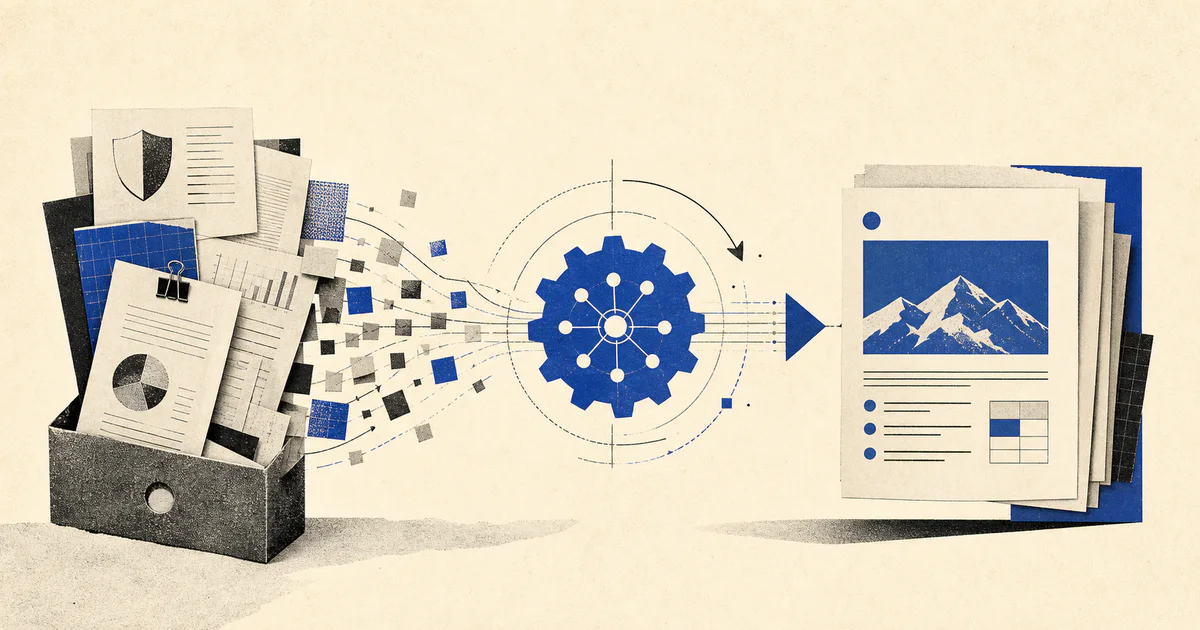
AI RFP automation helps B2B teams turn past proposals, security answers, and product documentation into faster, more accurate responses without turning enterprise deals into copy-paste theater.
RFPs do not usually fail because a company has nothing to say.
They fail because the knowledge needed to answer them is scattered across old proposals, product docs, security questionnaires, CRM notes, Slack threads, and the heads of people who are already overloaded.
Then the deadline lands.
Sales wants speed. Solutions wants accuracy. Security wants careful wording. Product wants nobody promising features that do not exist. Leadership wants the deal to move.
That is why AI RFP automation is becoming a serious workflow category for B2B teams.
Not because enterprise buyers want more AI.
Because internal response work is slow, repetitive, and operationally messy.
If your team keeps rebuilding the same proposal knowledge from scratch, this is one of the clearest places to apply an AI workflow system. We covered the broader pattern in What is an AI workflow system?.
If you would rather have V12 Labs build it, get your free agent plan. We will put the scope, timeline, and price range in writing. You keep the plan, and if we build it, you own the code, data, and IP from day one.
Most teams should not try to automate proposal writing end to end on day one.
Start with the parts that are repeated, document-heavy, and easy to review.
1. Answer retrieval from approved source material
This is usually the strongest first use case.
A workflow can retrieve candidate answers from:
approved past proposals
security documentation
implementation guides
product feature references
case studies and customer proof points
That matters because many teams do not have a writing problem.
They have a knowledge retrieval problem.
If the system cannot ground responses in approved material, it will generate fast but risky output. That is why retrieval design matters so much in production systems, especially when teams are building around internal documentation and proposal content.
2. Drafting first-pass responses for low-risk sections
Some RFP sections are highly repetitive:
company overview
implementation approach
support model
onboarding process
standard integrations
common security explanations
These sections are often good candidates for AI-assisted drafting, as long as the system:
cites source material
uses approved phrasing where needed
avoids inventing unsupported capabilities
sends sensitive sections through review
The point is not to remove humans.
It is to stop using senior people as copy-paste infrastructure.
3. Security and compliance questionnaire triage
A large amount of proposal work is not persuasive writing.
It is repetitive diligence.
Security questionnaires, vendor forms, procurement checklists, and implementation detail requests often contain:
repeated questions with slight wording changes
requests for exact policy language
sections that must be routed to security or engineering
responses that require version control and approval discipline
AI is useful here when it can:
recognize repeated question types
retrieve previously approved answers
detect when a question needs specialist review
separate standard responses from high-risk exceptions
This is one of the clearest ways to cut response cycle time without weakening controls.
4. Reviewer routing and follow-up coordination
Even when drafting is decent, many teams still lose time in the handoff layer.
Someone needs to know:
which sections are blocked
who owns the answer
what is waiting on product, legal, or security
which deadline is actually at risk
An AI workflow can help by:
extracting open questions
assigning likely owners
summarizing unresolved gaps
reminding reviewers when deadlines slip
producing a clean status brief for the deal owner
This is one reason RFP automation should be treated as an operations workflow, not just a content workflow.
What a production AI RFP automation system looks like
The useful architecture is usually narrower than people expect.
You do not need a fully autonomous proposal agent with unrestricted tool access.
You need a workflow with strong grounding and explicit control points.
In most B2B environments, the system looks something like this:
A trigger starts the workflow when an RFP, questionnaire, or proposal request arrives.
The system gathers context from CRM, prior responses, docs, and customer-specific materials.
Retrieval selects candidate answers and supporting references for each section or question.
The AI layer drafts or classifies responses in structured form.
Business rules route sensitive sections to humans and allow low-risk sections to move faster.
The workflow tracks review state, missing information, and submission readiness.
That pattern is consistent with how we build other business-facing AI systems:
clear triggers
scoped retrieval
structured outputs
review before sensitive actions
auditability after the fact
If your team is comparing deterministic tooling against a custom agent approach, AI agents vs. Zapier vs. Make is the right companion read.
Where teams get AI RFP automation wrong
The category sounds straightforward, but the failure modes are predictable.
1. They optimize for writing speed instead of answer quality
A fast draft is not the same thing as a usable response.
If the system cannot show where an answer came from, reviewers will still need to re-check everything manually.
That destroys the operational gain.
2. They skip source approval discipline
Many teams have multiple contradictory versions of "the same answer."
If your approved security answer lives in five places and none are canonical, AI will amplify the mess.
Before automation, decide:
which sources are approved
who can update them
what answer types require legal, product, or security review
how outdated content gets retired
3. They try to automate high-risk commitments too early
Be careful with:
security attestations
legal commitments
roadmap promises
implementation timelines
pricing exceptions
These are better handled as review-required sections unless your controls are unusually strong.
4. They forget customer context
The best proposal is not only accurate.
It is relevant to the specific deal.
If the workflow ignores CRM stage, buyer priorities, industry constraints, and implementation context, the output may be technically correct and commercially weak.
You should know whether the workflow actually improved:
turnaround time
reviewer workload
reuse of approved content
escalation rate
win-rate contribution for RFP-driven deals
response accuracy or correction rate
Without those numbers, teams tend to confuse novelty with leverage.
Build vs. buy for AI RFP automation
This is usually the practical question.
Should you buy a specialized proposal platform, layer AI onto your existing content process, or build a custom workflow?
The answer depends on workflow shape.
Buy when:
your process is fairly standard
your main need is response drafting and content reuse
your review paths are simple
your integrations are not unusual
Build or customize when:
proposal work depends on multiple internal systems
routing and approvals are complex
you need customer-specific context from CRM or product data
security or compliance handling requires fine-grained controls
the workflow needs to connect proposal generation with downstream sales operations
Most teams do not need to build from zero.
They need to identify which parts of the workflow are commodity and which parts are tied to their actual go-to-market process.
A practical rollout plan
If you want this to work in production, start narrower.
Phase 1: Organize approved answer sources
Create a canonical base for:
company boilerplate
product and implementation answers
security responses
approved proof points
reviewer ownership by topic
Phase 2: Automate retrieval and first drafts
Start with repetitive sections where:
the answer types repeat often
the business risk is manageable
reviewers can validate output quickly
Phase 3: Add routing and review logic
The next layer is not better prose.
It is better coordination:
route questions by topic
flag unsupported claims
identify missing inputs
track blocked sections and deadlines
Phase 4: Connect proposal work to the rest of revenue operations
At this stage, the workflow becomes more valuable because it can:
pull opportunity context from the CRM
update internal task systems
notify deal owners about open risks
preserve reusable answers for the next response cycle
That is where the system stops being an isolated proposal assistant and starts behaving like revenue infrastructure.
FAQ
Is AI RFP automation only useful for large enterprise sales teams?
No. Mid-market B2B teams often feel the pain earlier because a small number of operators still own too much response work. If a few proposals per month create deadline chaos, the workflow is already worth examining.
Can AI fully write an RFP response without human review?
It can draft large parts of one, but that does not mean it should submit without review. High-stakes sections such as security, legal commitments, pricing, and roadmap claims usually need explicit human approval.
What is the best first use case inside the RFP workflow?
For most teams, it is retrieval plus first-pass drafting from approved answers. That produces visible time savings while keeping the review burden manageable.
Do you need a full agent framework for this?
Not always. Many RFP workflows can start as retrieval, drafting, routing, and review systems without a complex multi-agent runtime. The architecture should follow the workflow complexity, not the other way around.
How do you know if the workflow is working?
Track cycle time, reviewer effort, correction rate, reuse of approved answers, and whether proposal deadlines are becoming less chaotic. The point is operational improvement, not just more generated text.
If your team is buried in repetitive proposal work, V12 Labs can help design the retrieval, review, and workflow layers so the system is actually usable in production. Talk to V12 Labs.